
August 11, 2025
Text to Speech for Dyslexia: What Works, What Doesn't, and Where to Start
Dyslexia makes reading slow, exhausting, and frustrating. What takes most people 20 minutes can take someone with dyslexia two hours — same information, same intelligence, completely different experience. That's not fair. And it's also, now, fixable.
Text to speech doesn't cure dyslexia. But it removes the barrier between having dyslexia and being able to access written information. Those are two very different things.
This guide covers what actually works, why it works, and how to start using TTS for free today — no account, no signup, no friction.
Why Dyslexia and Text to Speech Are Such a Good Match
Dyslexia affects how the brain processes written language. The wiring between visual text and phonological processing works differently — so reading requires more conscious effort, more time, and more mental energy than it does for people without dyslexia.
What TTS does is bypass that bottleneck entirely. Instead of converting text to phonemes manually in your head — which is where dyslexia makes things hard — you just... hear it. The audio does that conversion for you. Your comprehension stays intact. Your intelligence stays intact. The barrier gets removed.
That's why TTS is considered one of the most effective tools available for dyslexia support. It's not a workaround. It's using a different input channel that doesn't have the same processing difficulty.
The Research Backs This Up
Studies consistently show that people with dyslexia improve comprehension and reduce reading time when using TTS. A 2019 study found that students with dyslexia who used TTS showed significantly better recall and lower stress levels during academic reading tasks. Another study from the British Dyslexia Association found that TTS reduced cognitive load enough to allow people to focus on meaning rather than decoding.
It's not placebo. It's neuroscience. The auditory processing pathway works differently than the visual-to-phonological pathway that dyslexia affects.
The Best Text to Speech Tools for Dyslexia
Not all TTS tools are equally useful for dyslexia support. Here's what actually matters: voice naturalness (robotic voices add cognitive load), ease of use (complexity kills adoption), support for different file types (PDFs, documents, web pages), and cost (free is always better than barriers).
1. ReadAloud — Best Free Option
This is the one we recommend starting with. ReadAloud is completely free — no account, no credit card, no limit. You paste text, upload a PDF, or drop in a URL. Pick a voice. Hit play.
The voices are natural AI voices, not the robotic GPS-style voices that were standard five years ago. For someone with dyslexia who's going to be listening for extended periods, voice naturalness matters. Robotic voices are cognitively harder to process.
There's no paywall hiding features. No "upgrade to listen longer" pop-ups. Just — listen. For dyslexia use cases, where you need a tool that doesn't add friction to an already difficult experience, ReadAloud is the answer.
Pros
- Completely free forever
- No account or signup
- Natural AI voices — easy to listen to
- Supports text, PDFs, and URLs
Cons
- Browser-only (mobile app in development)
- Fewer customization options than premium tools
Best for: Anyone who needs TTS for dyslexia and doesn't want to spend money or create accounts.
2. NaturalReader
Solid tool with a Chrome extension that lets you read any web page aloud. Good voice quality. The frustrating part: 20 minutes per day on the free plan. For someone using TTS as a primary reading tool, that's not enough. You'll hit the limit in the middle of an article and get cut off.
Paid plans start at $9.99/month. If you're a heavy user, it might be worth it. But for casual or moderate dyslexia support? The free tier is too restrictive.
3. Speechify
The most well-known TTS app. Good voices. Mobile app. Chrome extension. It's designed specifically for productivity reading, which makes it one of the most dyslexia-friendly apps out there in terms of features.
The cost is the issue: $139/year. If you can afford it, it's a genuinely good tool. But ReadAloud gives you 90% of the same experience for free.
4. Microsoft's Immersive Reader
If you use Microsoft Word, OneNote, or Edge browser, Immersive Reader is built in. It reads documents aloud, highlights text as it reads, adjusts text spacing, and can change fonts to dyslexia-friendly options. It's free if you're already in the Microsoft ecosystem.
The limitation: it only works within Microsoft products. If your content is outside those tools, you need something else.
5. Apple's Speak Screen
iOS and macOS have built-in TTS through Speak Screen (swipe down with two fingers on iPhone) and Speak Selection. It's free, works system-wide, and requires no setup if you're on Apple devices. Voice quality has improved significantly in recent years.
For Mac or iPhone users, this is worth knowing about. For everyone else, it's not relevant.
How to Set Up ReadAloud for Dyslexia Support (Step by Step)
Go to app.readaloud.net in any browser. No account, no download.
Paste text directly, upload a PDF, or paste a URL. If you're reading a web article, copy the text and paste it in. If you have a PDF document, upload it directly.
Try a few voices and find one that feels natural to you. This matters — a voice you like is one you'll actually use.
Start at normal speed. If you want to go faster, increase the rate. Many people with dyslexia actually prefer slightly slower speeds for comprehension, while others prefer faster speeds — experiment to find what works for you.
If possible, read along with the audio. The dual input (visual + audio) significantly improves retention. This is what research consistently shows.
TTS Tips Specifically for Dyslexia
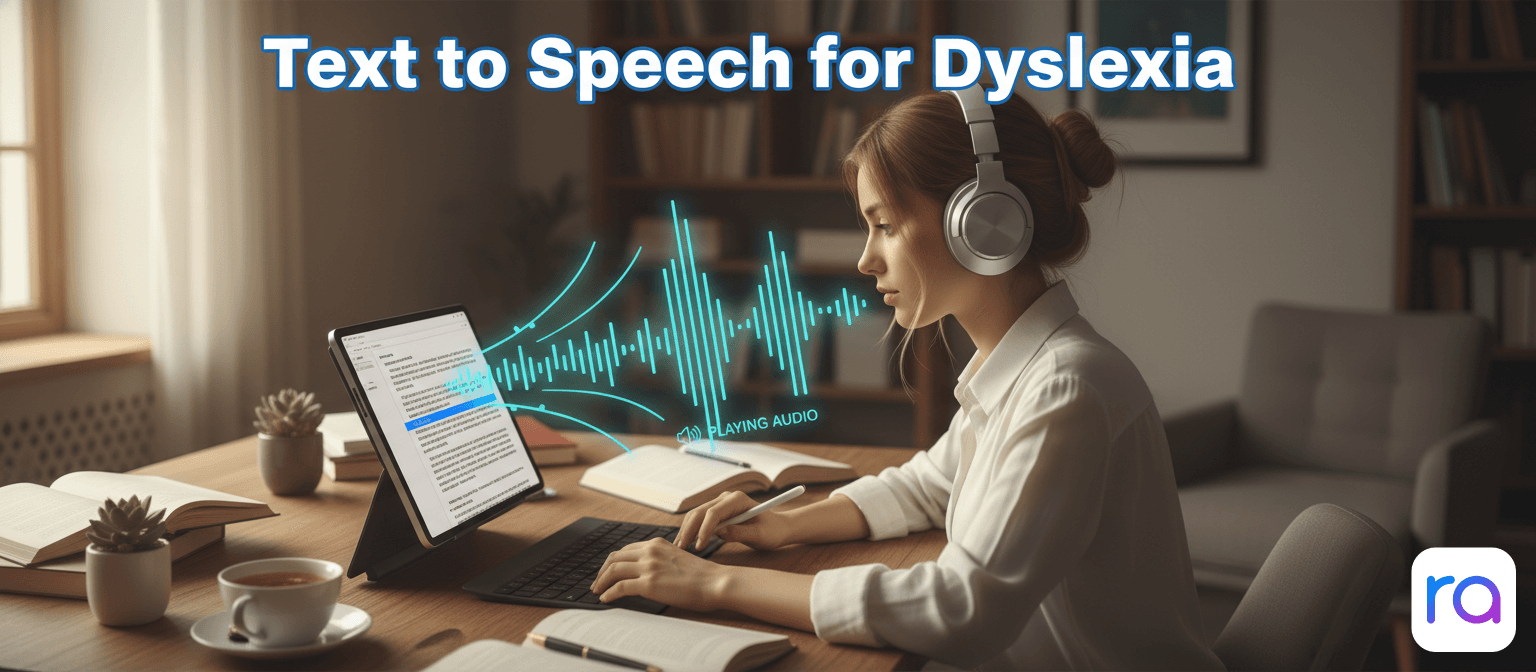
Follow along when you can. Read the text while listening to it. This dual-coding approach — visual and auditory input at the same time — leads to significantly better comprehension and retention than either alone.
Use chunking. Break long documents into sections. Listen to one section, pause, process it, then continue. Don't try to marathon-listen through a 50-page document in one sitting.
Playback speed matters. There's no right answer. Some people with dyslexia process audio better at slower speeds. Others find that slightly faster speeds reduce mind-wandering. Experiment. The right speed for you is the one where you actually retain what you heard.
Combine with text highlighting. Some tools highlight the word being spoken as it's read. This is especially effective for dyslexia. Microsoft Immersive Reader does this. If you're using ReadAloud, try following along with your cursor.
Make it a habit, not a last resort. The biggest mistake is only using TTS when reading gets too hard. Use it proactively. Build it into your workflow from the start. The cognitive load of switching to TTS mid-frustration adds friction. Starting with it removes that friction entirely.
Dyslexia and TTS: Common Questions
Does TTS actually help with comprehension or just reading speed?
Both. Studies show improvements in both comprehension accuracy and time-on-task when people with dyslexia use TTS. The speed improvement happens because decoding isn't the bottleneck anymore. Comprehension improves because cognitive resources can focus on meaning rather than phonological processing.
Is TTS cheating?
No. A wheelchair isn't cheating. Glasses aren't cheating. TTS is an accessibility tool. Using it doesn't give you an unfair advantage — it gives you equal access. The goal is learning and understanding, not struggling with text decoding as a skill unto itself.
What age can children start using TTS for dyslexia?
As soon as they're old enough to understand that they're listening to something read aloud to them — which is pretty young. Research supports TTS use for children with reading difficulties. The important thing is to combine TTS with continued work on reading skills, not replace one with the other.
Can TTS help with writing too?
Yes. One of the most effective proofreading techniques for dyslexia is to have your text read back to you. Errors that slip past your eyes become obvious when you hear them. This is useful for everyone, but especially for people with dyslexia who may miss spelling and grammatical errors during visual review.
Try TTS for Dyslexia — Free, Right Now
No account. No credit card. No time limit. Just paste your text and listen.
Open ReadAloud →The Bottom Line
Dyslexia doesn't affect intelligence. It affects one specific pathway for processing written text. TTS reroutes around that pathway entirely — and the research consistently shows it works.
The good news is you don't need to spend money on this. ReadAloud is free, requires no account, and handles text, PDFs, and URLs. It takes about 30 seconds to try for the first time. That's worth doing.