
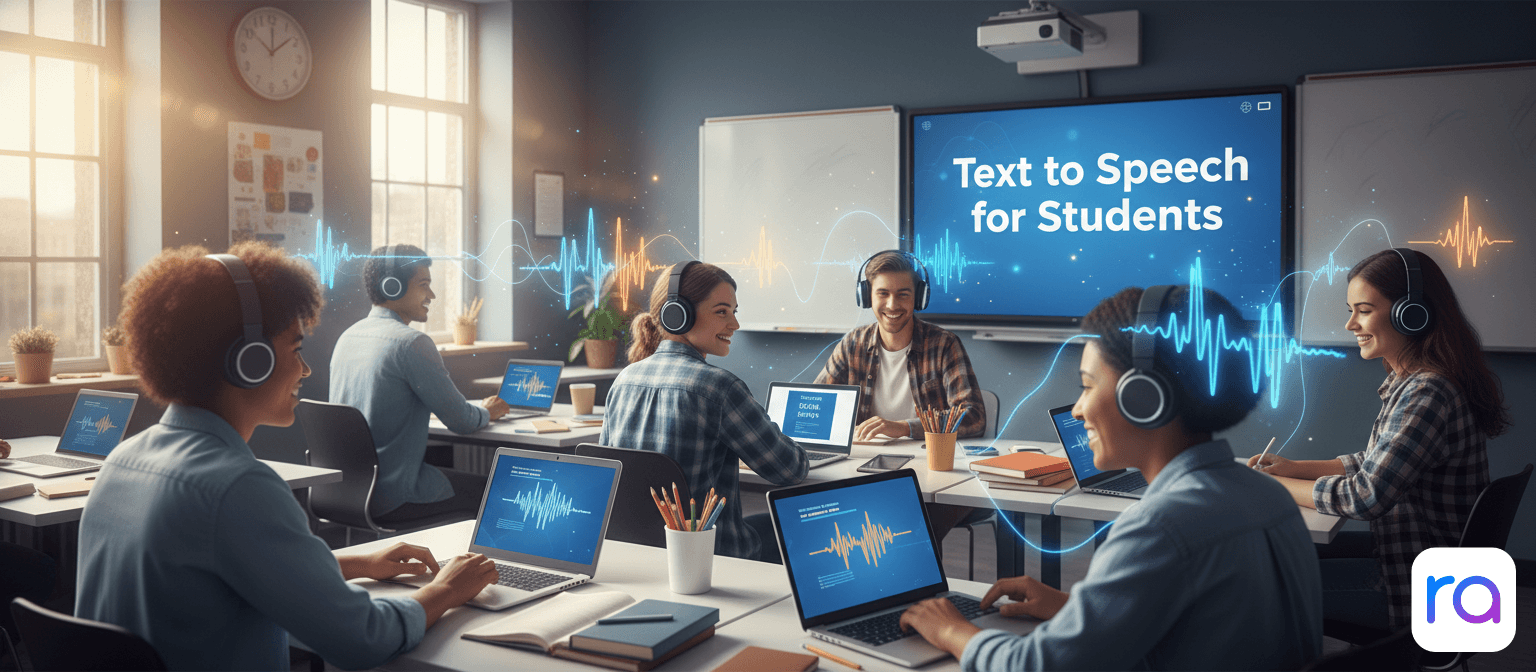
Text to speech changes the math. Listen at 1.5x speed while commuting, exercising, eating — and suddenly you're getting through material in half the time, during time you would have spent on your phone anyway. It's not a cheat code. It's just a smarter way to use the hours you already have.
Here's how to actually use TTS as a student, and why it works better than most people expect.
Why Text to Speech Actually Works for Studying
There's real science here, not just convenience.
Dual coding theory. When you read text and hear it spoken simultaneously, you process information through two channels — visual and auditory. Your brain encodes the content more deeply when both channels are active. Studies consistently show better retention when students use TTS alongside reading compared to reading alone.
Reduced cognitive load. Decoding written text takes mental effort — especially for dense academic writing. When you're listening, your brain can focus on understanding and connecting ideas rather than parsing words. This is especially significant for students with dyslexia, ADHD, or reading difficulties, but it benefits everyone.
Speed and flexibility. At 1.5x speed, a 60-minute reading that would take 60 minutes to read takes about 40 minutes to listen to. Over a semester with 10 hours of assigned reading per week, that's a significant time saving. And you can do it during otherwise unproductive time — commutes, gym sessions, meals.
Fatigue reduction. Eye strain is real. Staring at text for hours causes visual fatigue that slows reading comprehension. Listening doesn't have this problem — you can maintain focus for longer without the physical strain of screen reading.
How to Use TTS for Different Types of Study Material
Textbook Chapters
This is where TTS shines most. Long chapters with dense information benefit from a combined read-and-listen approach. Have the textbook open on one side of your screen. Use ReadAloud to listen while your eyes follow along or focus on diagrams. You'll absorb the narrative while not missing visual elements.
For PDF textbooks, upload the file directly to ReadAloud. It extracts the text and reads it immediately.
Research Papers and Journal Articles
Academic papers are notoriously dry. TTS makes them significantly more bearable. Listen to the abstract and introduction to decide if the paper is relevant before committing to the whole thing. For papers you need to understand thoroughly, listen while taking notes — the audio keeps moving, which forces you to keep up and actually engage.
Assigned Readings from Course Websites
Copy the text from any online reading and paste it into ReadAloud. Or use the ReadAloud Chrome extension to listen directly on the page — no copying required. One click and it starts reading the article in your browser tab.
Your Own Notes and Essays
Read your notes back to yourself before an exam. Or listen to your essay draft to catch awkward phrasing and errors that you'd miss reading silently. Your brain auto-corrects familiar text when reading — but hearing it spoken makes mistakes obvious. It's genuinely one of the best proofreading methods there is.
Step-by-Step: Setting Up TTS for Studying
- Go to app.readaloud.net. No account needed. Open it in your browser — works on laptop, tablet, or phone.
- Upload your study material. Paste text directly, drop in a PDF, or paste a URL to an online article. ReadAloud handles all three.
- Pick a voice and set speed. Start at 1.0x and increase as you get comfortable. Most students settle at 1.3–1.5x for academic content. Try different voices — a clear, neutral voice works best for dense material.
- Use it during transition time. Commutes, gym, eating, walking between classes. This is time you weren't studying before. Now you are.
- Combine with highlighting for key material. For content you really need to remember, use a physical highlighter in a textbook or digital highlighting in a PDF while listening. Two modes of engagement, deeper encoding.
Start Studying Smarter Today
Convert your readings to audio in seconds. Free, no account, no limits — works on any device.
Try ReadAloud Free →Best TTS Tools for Students (Compared)
| Tool | Price | PDF Support | Sign-up | Free Limit | Best For |
|---|---|---|---|---|---|
| ReadAloud | Free | ✓ Yes | ✓ No | Unlimited | All student use cases |
| NaturalReader | Free / $9.99/mo | ✓ Yes | ✗ Yes | 20 min/day | Students who want a dedicated app |
| Speechify | $139/yr | ✓ Yes | ✗ Yes | Very limited | Students with budget for premium |
| Chrome Extension | Free | ✓ Yes | ✓ No | Unlimited | Reading web articles and online course pages |
TTS for Students With Learning Differences
Dyslexia. For students with dyslexia, TTS isn't a convenience — it's an equalizer. Reading requires decoding that takes significant mental energy for dyslexic students. Listening removes that barrier entirely. The content is the same. The understanding is the same. The playing field is leveled. Schools and universities increasingly recognize TTS as a standard accommodation, and tools like ReadAloud make accessing it free and immediate.
ADHD. Dual-input listening (reading while hearing) provides the additional stimulation that helps many students with ADHD maintain focus. The voice keeps moving, which keeps your brain engaged and reduces mind-wandering. Many ADHD students find they retain significantly more through TTS than silent reading because there's a consistent auditory anchor holding their attention.
Visual impairment. Text to speech is, and always has been, a primary accessibility tool for students with visual impairments. ReadAloud works with screen reader software and provides high-quality voice output for any digital text.
Frequently Asked Questions
Is it cheating to use text to speech for studying?
No. TTS is a tool for accessing content — like using a calculator in math, or using spell-check when writing. You're still reading, thinking, understanding, and learning the same material. The delivery mechanism has changed; the intellectual work hasn't.
Does listening to textbooks actually help you learn?
Yes — research on dual coding theory supports it. Combining audio and reading improves retention compared to reading alone. The key is active engagement: take notes, ask yourself questions, and review key sections. Passive listening without engagement won't help much, but focused listening does.
What is the best free text to speech for students?
ReadAloud. No account, no daily limits, handles PDFs and web articles, natural voices. It's the most friction-free option available for free.
Can I use text to speech for exams?
For studying before exams, absolutely. For use during an exam, check your institution's accessibility accommodations policy. Many universities allow TTS tools as a formal accommodation for students with qualifying learning differences — speak to your disability services office.
How fast should I set TTS speed for studying?
Start at 1.0x and work up to 1.25x or 1.5x over a few days. Your comprehension speed trains quickly. For familiar content, 1.5–2x is comfortable. For new, complex material, stick to 1.0–1.25x until you've got the basics.